August 21, 2025
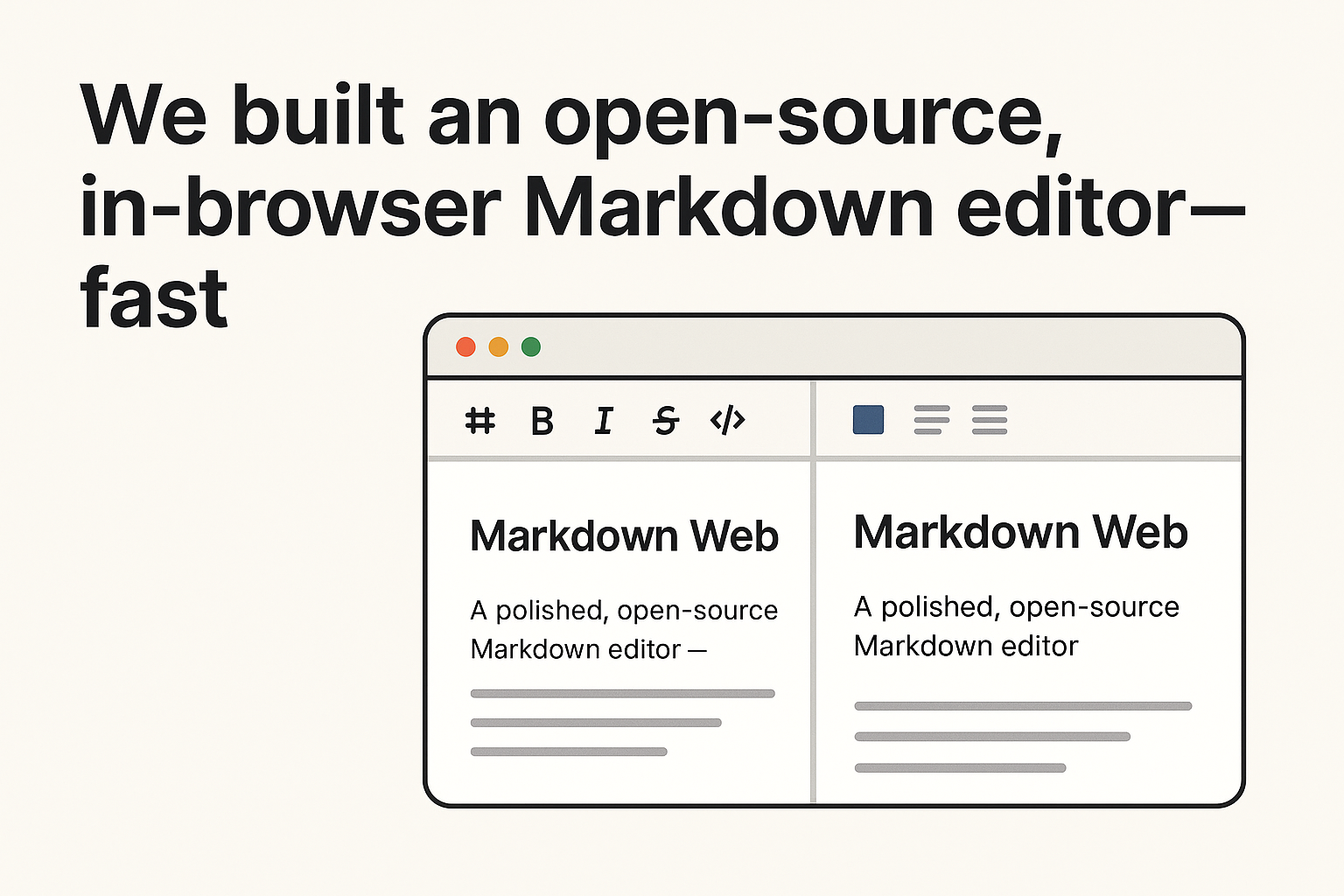
We built an open‑source, in‑browser Markdown editor—fast
Meet Markdown Web: a polished, open‑source Markdown editor with AI (OpenAI + Anthropic), Git workflows, beautiful themes, and reliable export — all in your browser.
August 21, 2025
Meet Markdown Web: a polished, open‑source Markdown editor with AI (OpenAI + Anthropic), Git workflows, beautiful themes, and reliable export — all in your browser.

git rm --cached)\n- Detailed command feedback and strong error handling\n\nFrom status to push, everything lives where you expect it: in the file explorer and context menus, with clean, VS Code‑inspired UI.\n\n## An editor you’ll actually enjoy\n\n- Split‑view preview with draggable resizer and 50/50 double‑click reset\n- Syntax highlighting with automatic light/dark themes\n- Always‑on Mermaid diagrams with local‑first loading and CDN fallback\n- Visual selection highlighting when AI modal is open\n- Drag‑and‑drop file/folder moves with auto‑expand on hover\n- Toast notifications and clear error reporting\n- Mobile‑aware interactions and keyboard accessibility\n\n## Export and print you can trust\n\n- One‑click PDF export and Markdown download\n- Print output that mirrors your theme with professional typography\n- Clean, multipage flow (no clipped boxes), smart page breaks, and link handling\n\n## Secure by default\n\n- Password authentication (enabled by default) with session cookies\n- Scrypt hashing, HMAC session signing, CSRF protections, and rate limiting\n- API credentials sent with proper cookie handling across all endpoints\n- AI keys stored locally in settings with masked input and validation\n\n## Settings that get out of your way\n\n- Centralized settings modal for preview layout (full vs split), sidebar behavior (overlay vs inline), theme, AI provider/model, and API keys\n- Preferences persist across sessions and devices\n- Sensible defaults for desktop and mobile\n\n## Built at startup speed with OpenAI’s Codex CLI\n\nCodex CLI accelerated our build dramatically:\n- Rapid scaffolding of endpoints, components, and interfaces\n- Iterative UX polishing with human‑in‑the‑loop refinement\n- Faster hardening passes (error handling, validation, and logging)\n- More time for product thinking, less time on boilerplate\n\nThe result: a high‑quality app shipped quickly—with a roadmap that keeps compounding.\n\n## Under the hood (for developers)\n\n- TypeScript end‑to‑end, clean provider abstractions, and shared interfaces\n- AI endpoints:\n - /api/ai/status for capability detection\n - /api/ai/apply for content modification (selection‑aware)\n - /api/ai/ask for Q&A without altering content\n - /api/ai/cost for per‑file summaries\n- Git endpoints for add, commit, push, clone, and status\n- Theming system with print/export integration\n- PWA registration and offline‑friendly caching\n- Robust path validation and safe file operations\n- JSON_LIMIT env support (50 MB default) for large docs\n\n## What’s new\n\nRecent releases focused on:\n- Multi‑provider AI with Anthropic support and pricing/cost parity\n- Accurate, unified cost tracking returned from every AI operation\n- Model aliasing and smooth migrations across naming changes\n- File‑path context in AI logs for cleaner analytics\n- Full Git workflow (status, stage/add, commit, push, clone) with context menus\n- Always‑on Mermaid with smarter loading for reliability\n- Drag‑and‑drop file management and mobile‑first interactions\n- Password auth by default, with better route ordering and cookie handling\n- Professional SVG icon system, accessibility improvements, and responsive polish\n\nThe full changelog is available in the repo if you want to dive deep.\n\n## Call for contributors\n\nWe’re building in the open and would love your help:\n- Star the project, file issues, and propose features\n- Contribute themes, integrations, and UX improvements\n- Share your workflows and ideas for the AI + Git experience\n\nStart here: https://github.com/vultuk/markdown-web\n\nIf you write, document, code, or just love clean tools, we think you’ll feel right at home.